Download MAMP
Download MAMP from www.mamp.info
This will download MAMP_MAMP_Pro.pkg
Double click the pkg and follow all the defaults to install both MAMP and MAMP Pro
Configure MAMP
Double Click the MAMP app
Go into MAMP -> Preferences

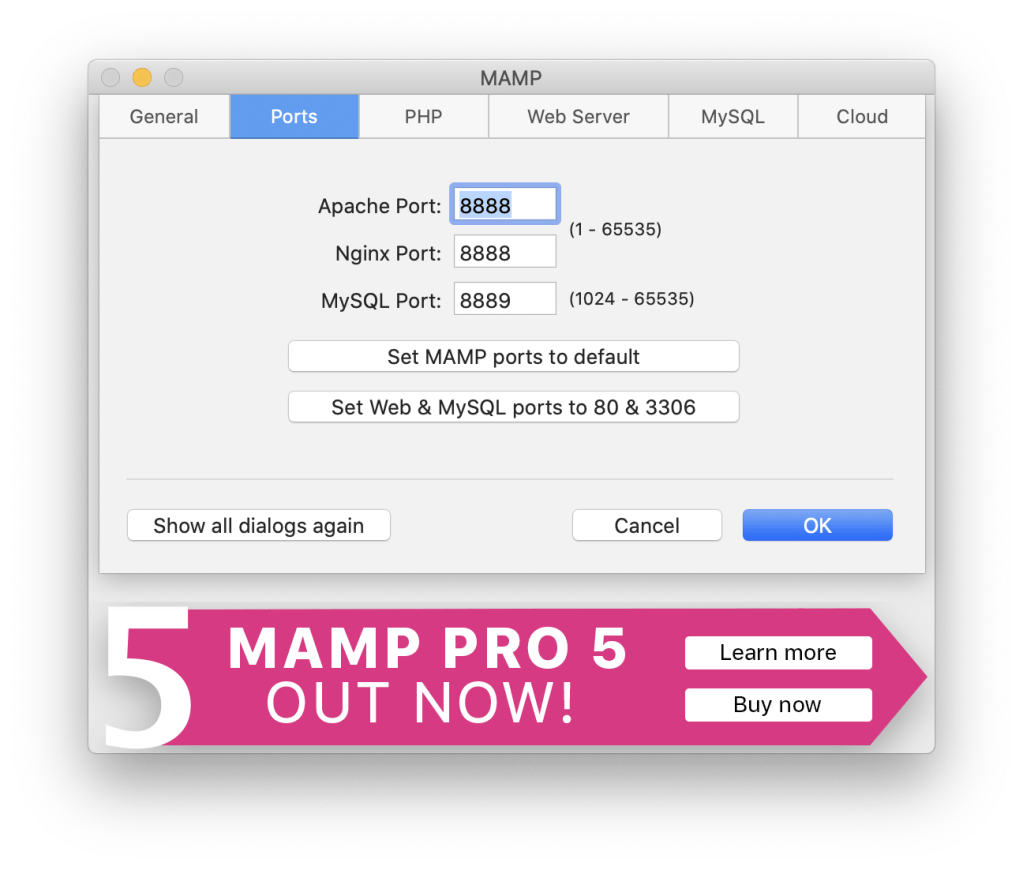
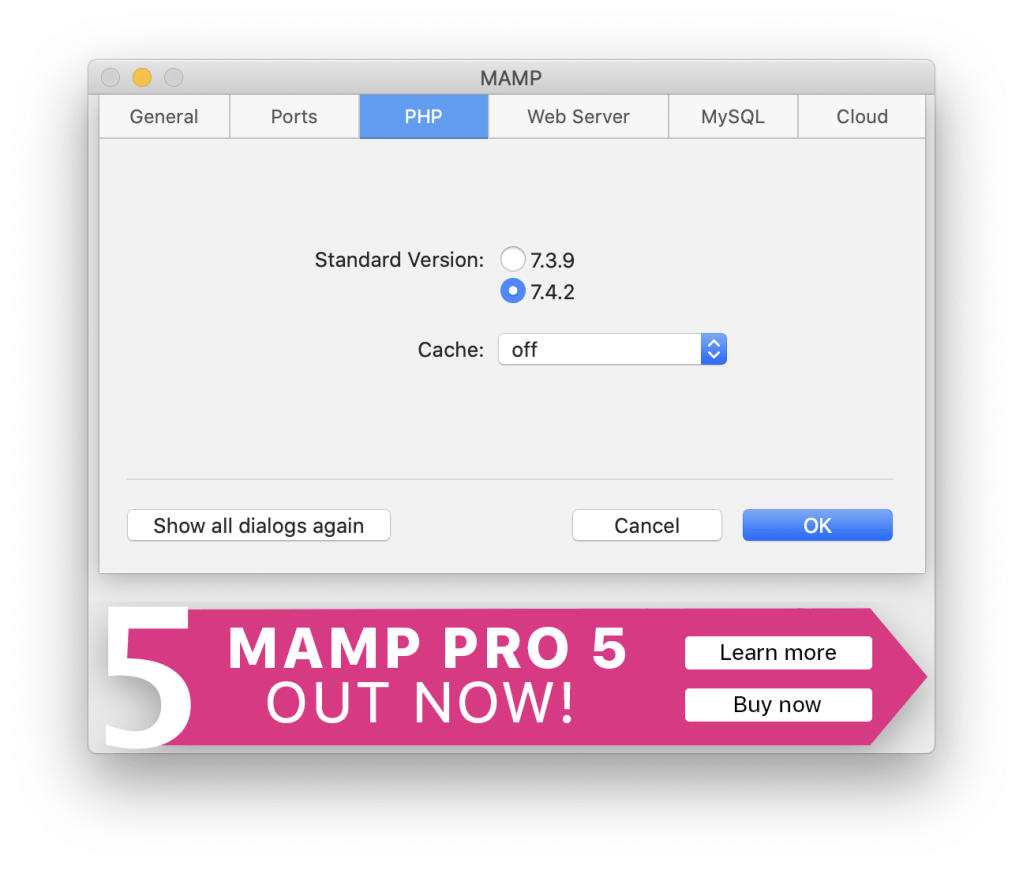
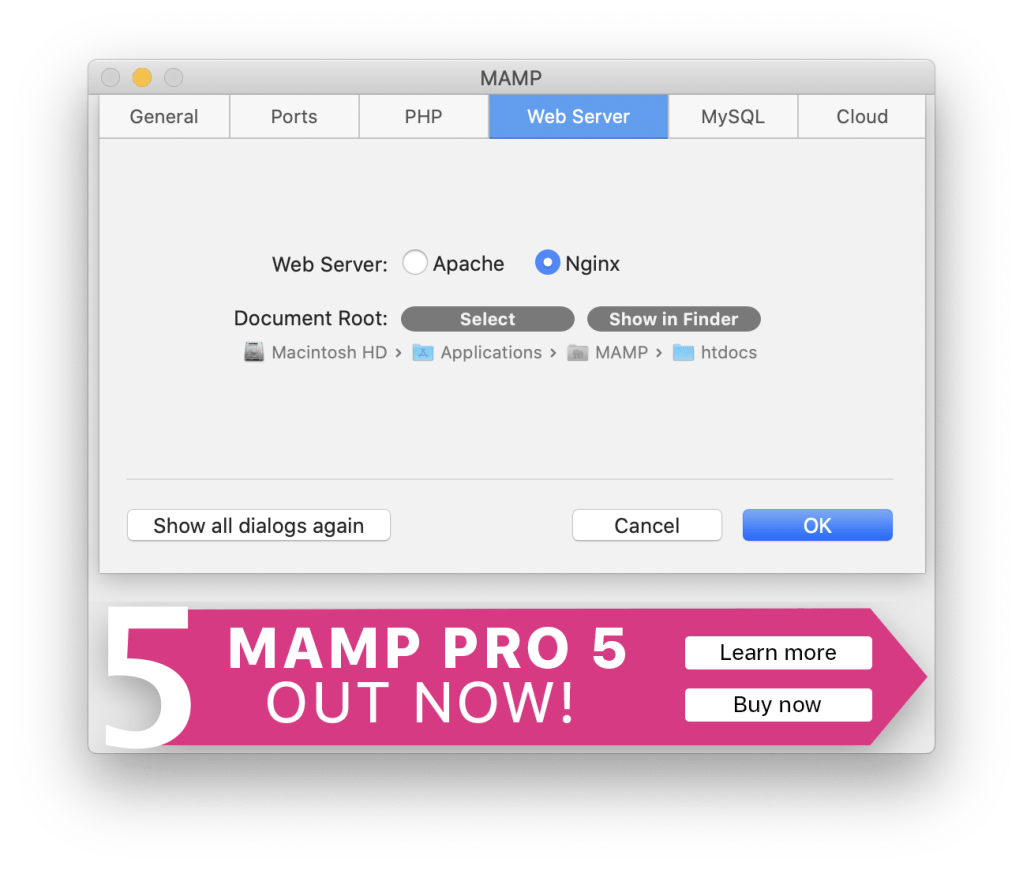

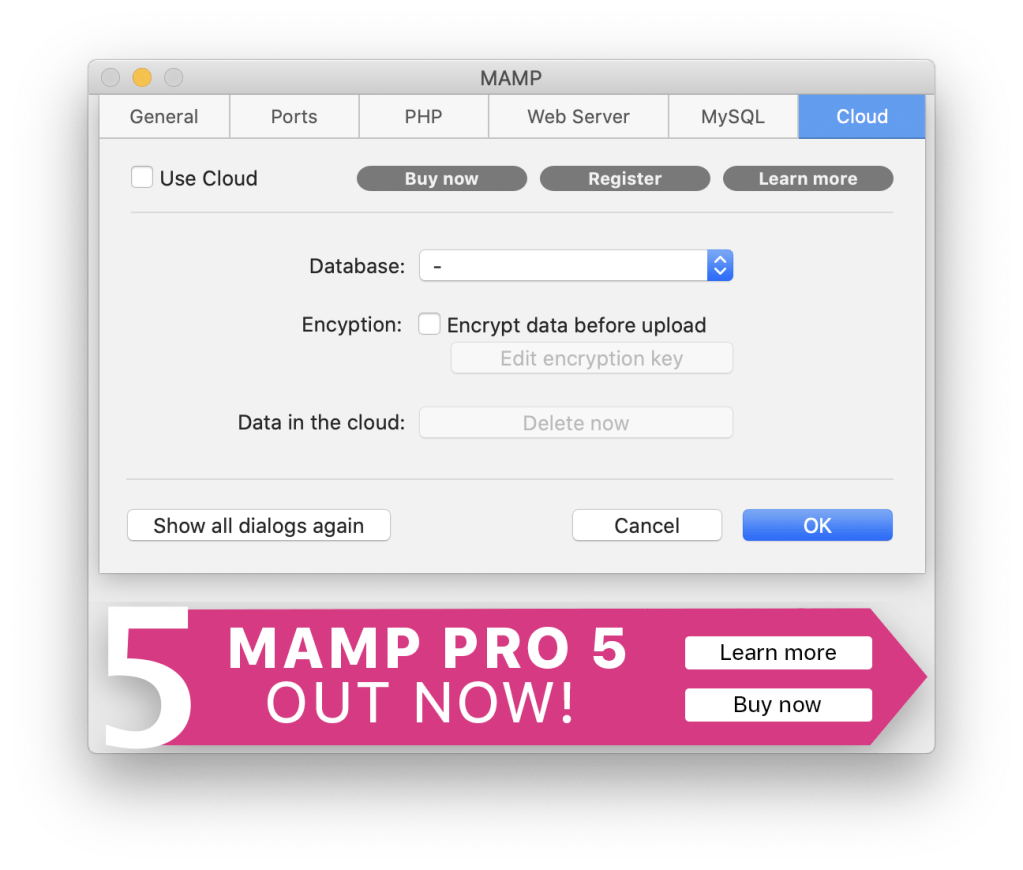
Download and Install WordPress
go to https://wordpress.org/ and click on Get WordPress
Download the latest version
Once downloaded copy the wordpress zip file content to the MAMP WebServer Location
This defaults to Macintosh HD/Applications/MAMP/htdocs
(easiest way to get there – go to MAMP -> Preferences -> WebServer and click on Show in Finder

Start MAMP
Go back to MAMP and click on start servers
This will open your browser to http://localhost:8888/MAMP/?language=English
Open http://localhost:8888 and you will be redirected to the WordPress setup page at http://localhost:8888/wp-admin/setup-config.php
Setup a Database for WordPress
to to MAMP Dashboard and click on Open Webstart Page
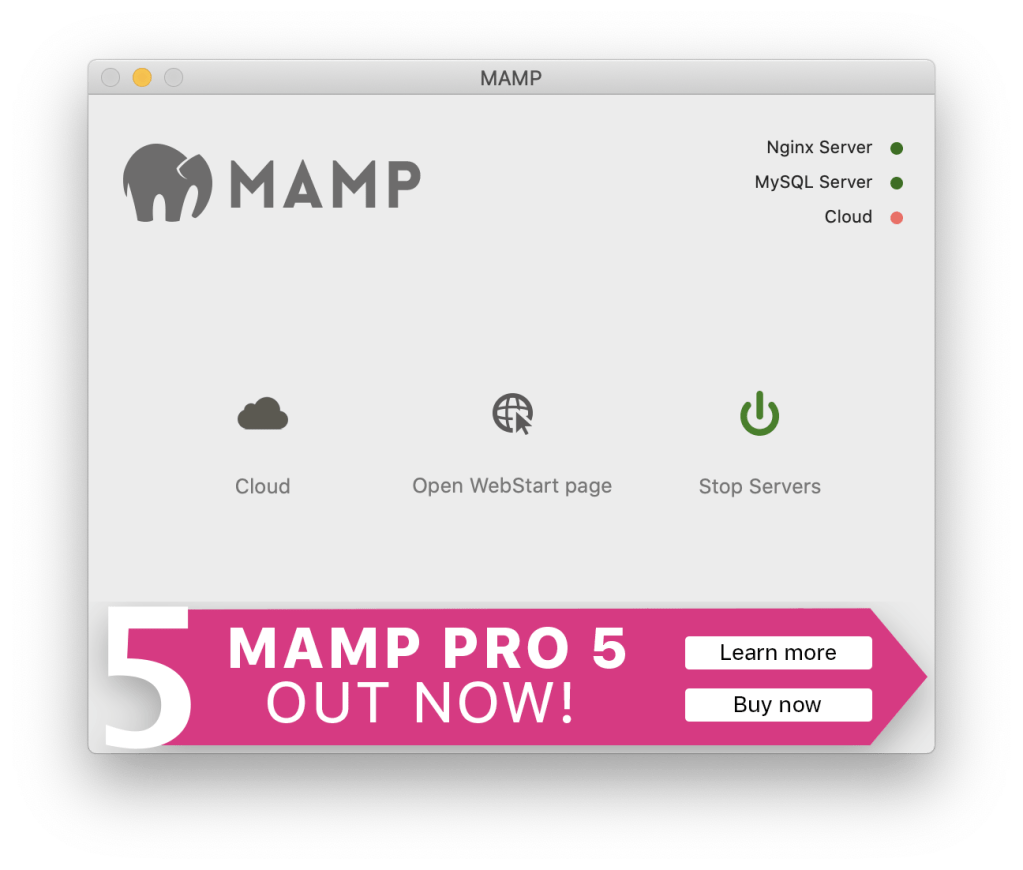
In the browser window select TOOLS -> PHPMYADMIN

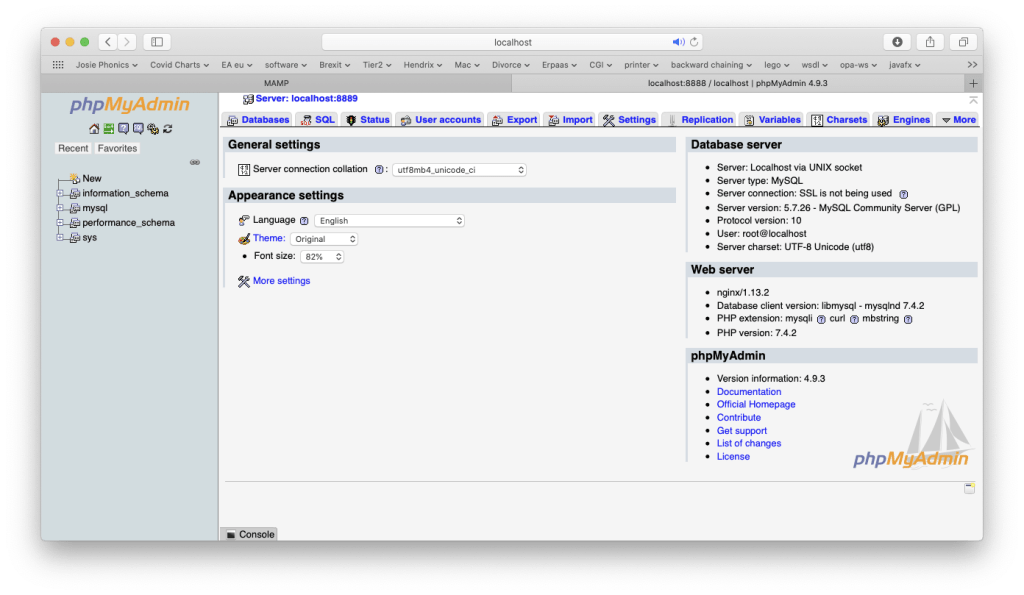
Databases tab -> Create database -> Name: wordpressdb
click Create
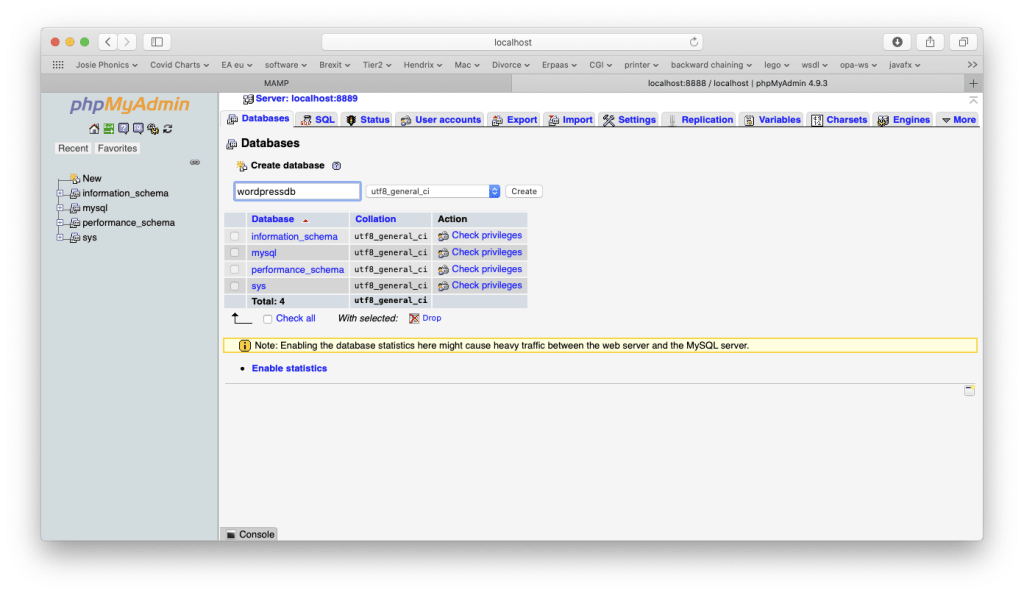
This creates a completely empty database
Go Back to WordPress Configuration Page
http://localhost:8888 will redirect to http://localhost:8888/wp-admin/setup-config.php
English – UK

Submit
Let’s go!
Provide Database Details
- Name: wordpressdb
- Username: root
- Password: root
- Database Host: localhost
- Table Prefix: wp_
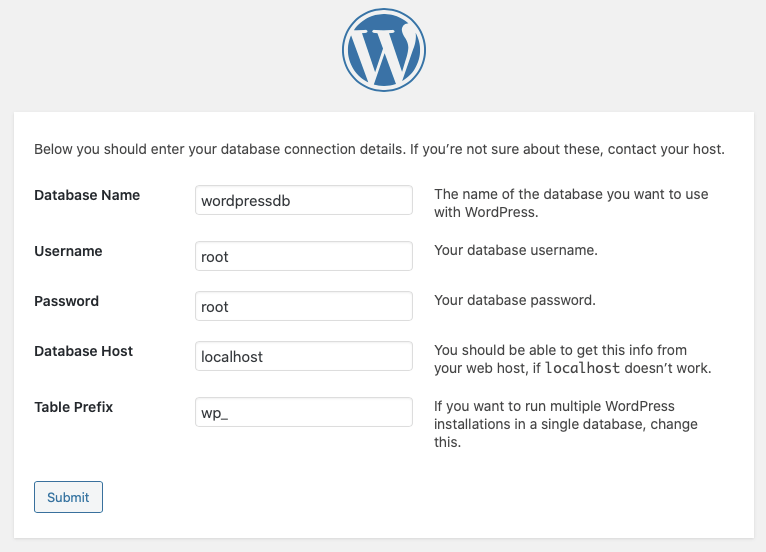
Submit
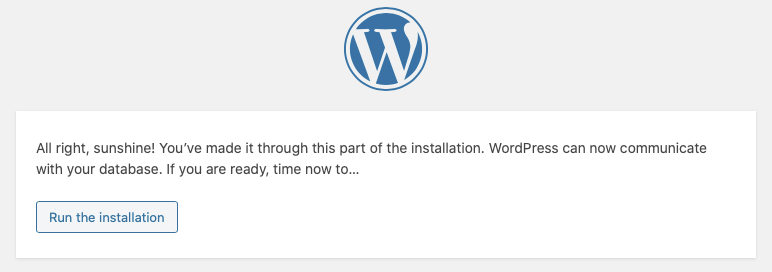
Run the installation

Install WordPress
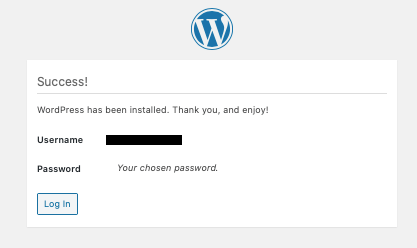
Log in



 Skills421
Leave a comment